Every account starts on the Free plan. Paid plans let you list more products, work with more affiliates and get extras like instant approval.
Compare the plans
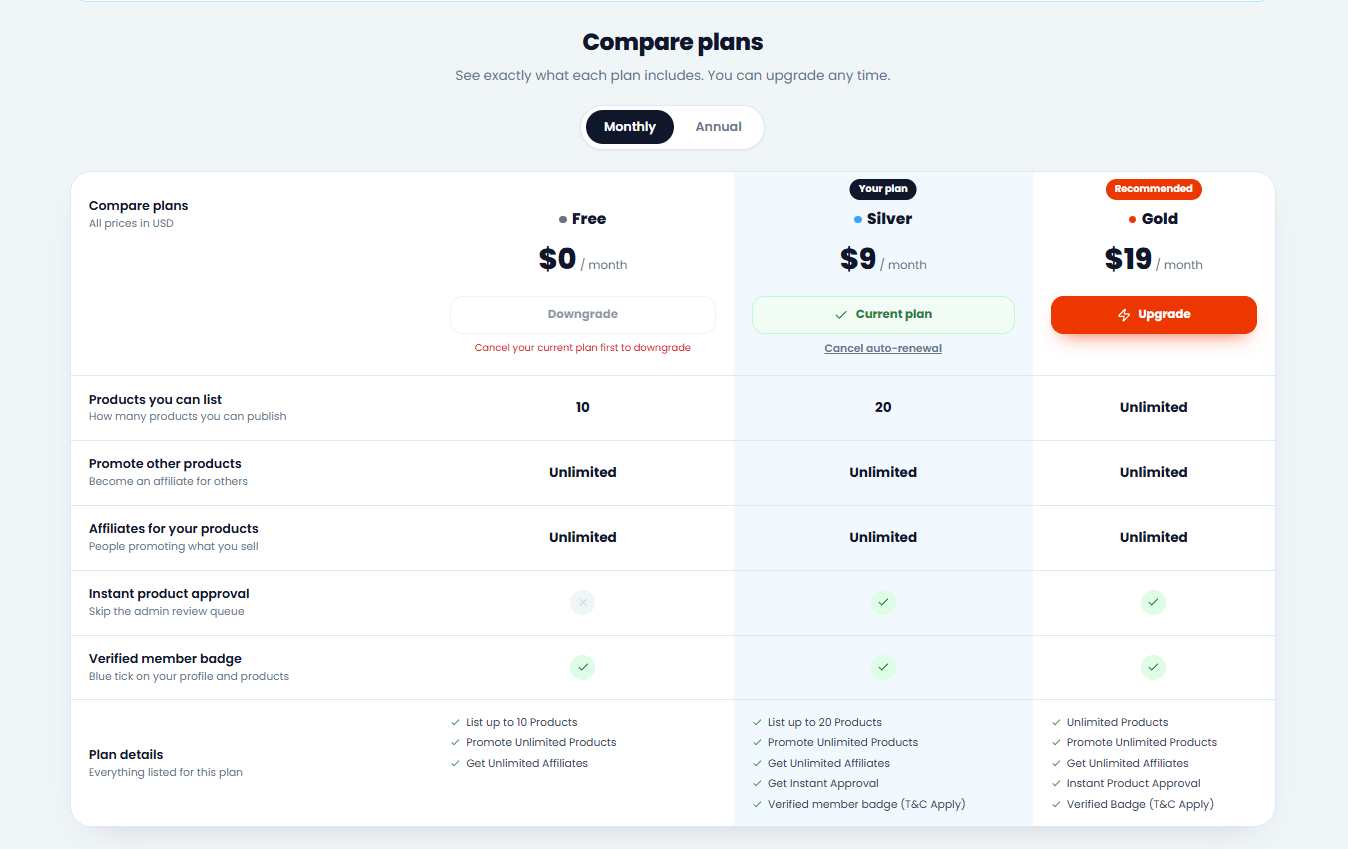
Open My Plan in the left menu. The comparison table shows, for each plan:
How many products you can list
How many products you can promote
How many affiliates can promote your products
Instant product approval
The verified member badge
Choose your plan
Switch between monthly and yearly where available, then click the button under the plan you want and follow the payment steps.
Your usageMy Plan also shows how much of your current limits you're using, so you know when it's time to upgrade.
2 minute read3 steps
Payment, renewal and plan expiry
Here's what happens after you choose a plan, when it renews, and what happens if it runs out.
Pay for your plan
Follow the payment steps for the plan you chose. Your request shows on My Plan while it's being confirmed.
Your plan becomes active
As soon as the payment is confirmed, your plan is active and you get a notification. Your new limits apply straight away.
Screenshot: an active plan on My Plan
Renew on time
My Plan shows when your plan ends. Use Renew now to keep it going. If it runs out, your account goes back to the Free plan limits.
Nothing is deletedIf your plan ends, your products and profile stay. Only the limits change until you renew.
2 minute read3 steps
Get the verified badge
The blue verified tick next to your name shows affiliates that you're a trusted creator who pays commissions.
Choose a plan that includes the badge
Plans with the badge show Verified member badge in the comparison on My Plan.
Send proof of past payouts
When your plan is active, a Get your Verified badge box appears on My Plan. Upload up to 5 screenshots or PDFs and add a short note if you like.
A screenshot of affiliate commissions you paid (for example Systeme.io affiliate invoices)
Your name or business name visible
At least one payment from the last 12 months
Screenshot: the Get your Verified badge box on My Plan
We review it
We check your proof, usually within 2 working days, and notify you. Once approved, the blue tick shows on your profile, your products and the marketplace.
If we need more proof, the box tells you what's missing and you can send new files.
PrivateOnly our team can see your proof files.
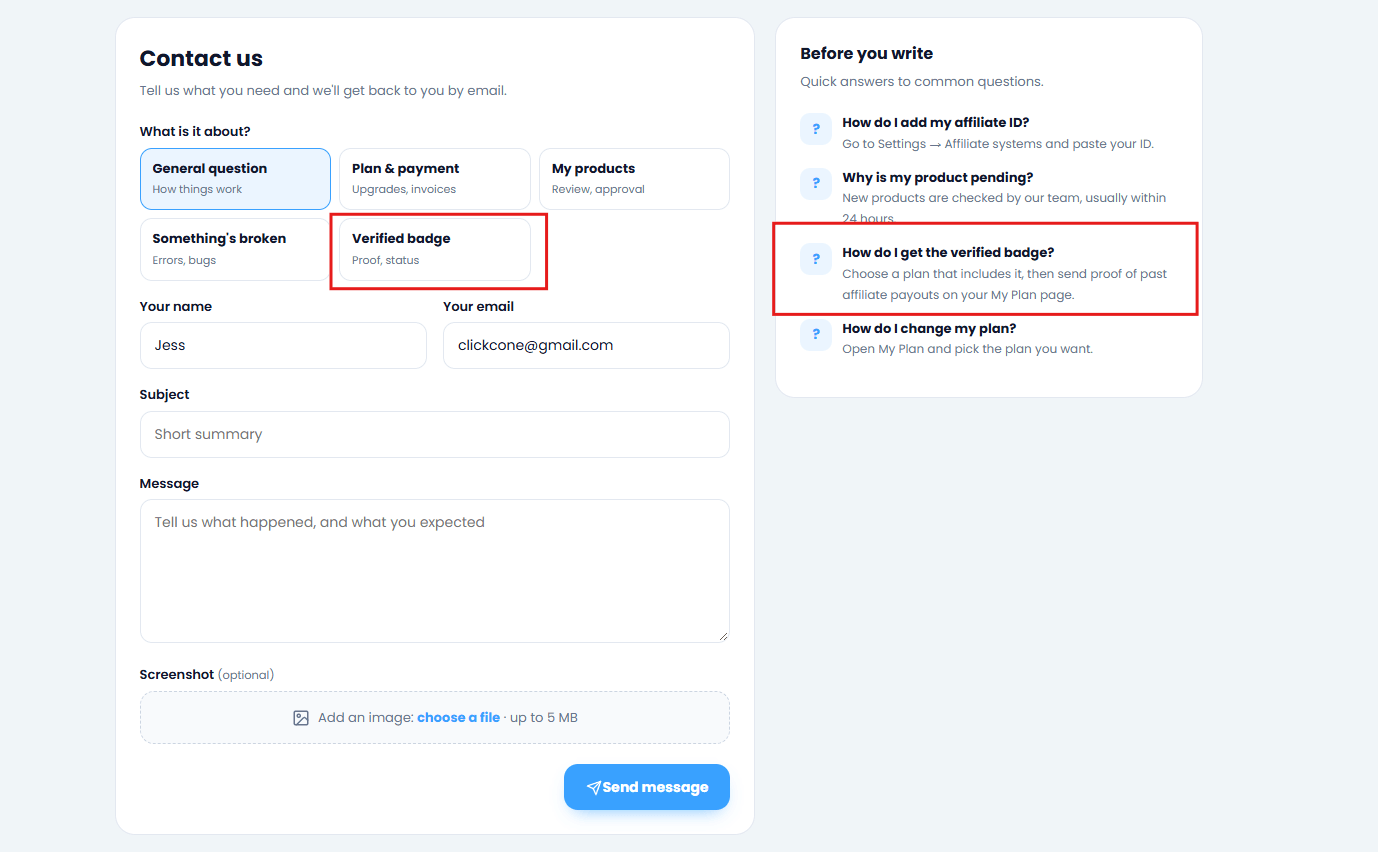
Still stuck?
Send us a message and we'll reply by email, usually within 24 hours.